

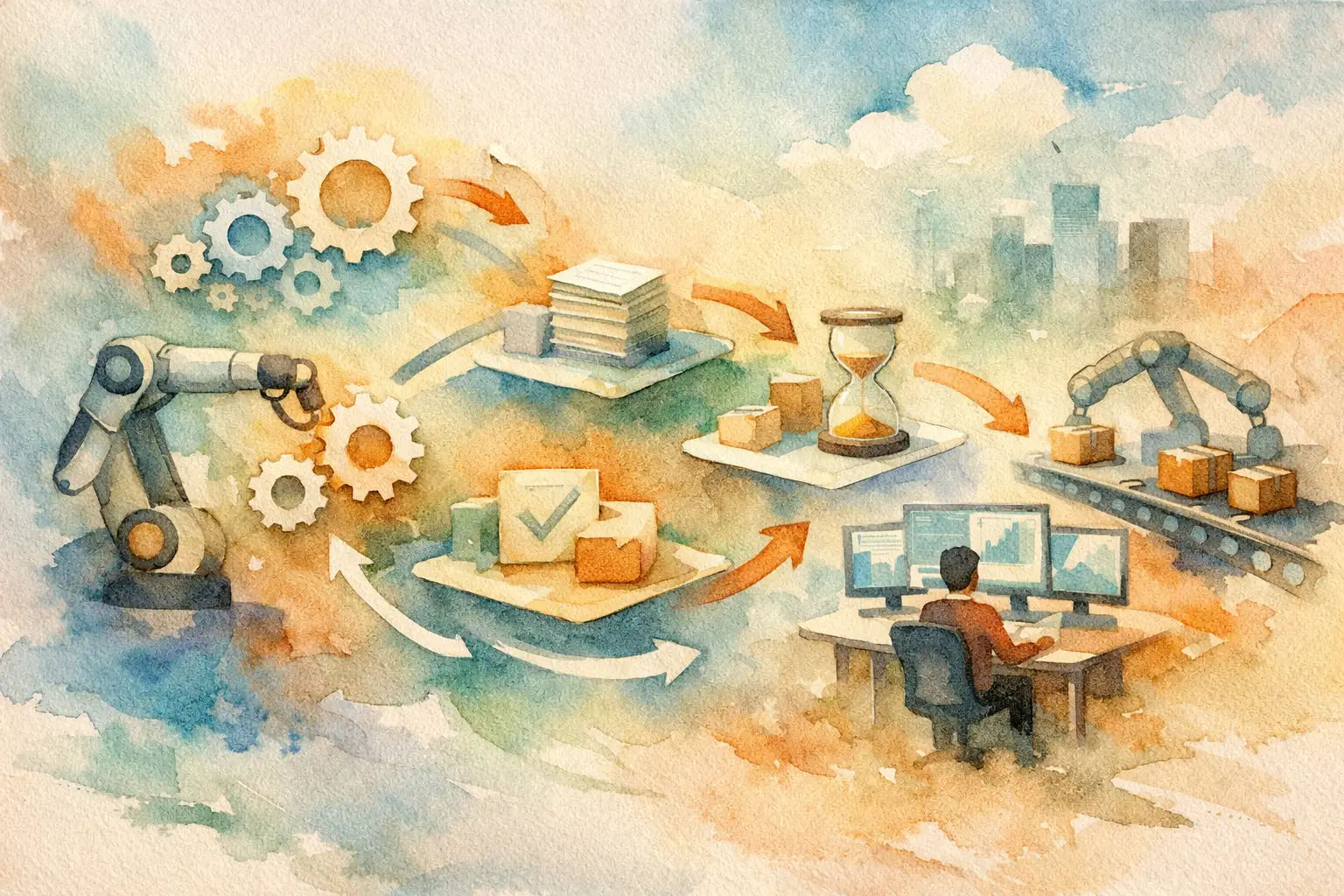
A lead submits a form at 9:12 p.m. Your sales rep sees it the next morning, replies after coffee, and learns the prospect booked with a faster competitor overnight. That is not a sales problem. It is a systems problem. The top workflow automation examples are not flashy bots performing party tricks. They are revenue-critical processes that respond, route, follow up, and report without waiting for someone to open another tab.
For sales-led and service businesses, automation should do one thing: remove operational drag between customer intent and business action. The best systems centralize the contact record, apply business rules consistently, and keep your team focused on conversations and decisions that require judgment.
What Makes an Automation Worth Building?
Not every repetitive task deserves an automation. Start with workflows that are high-volume, time-sensitive, error-prone, or directly tied to revenue retention. If a delayed action causes lost leads, missed appointments, slow cash collection, or a poor customer experience, it belongs near the top of the build list.
The trade-off is simple. Over-automating a broken process only helps you execute the wrong process faster. Document the handoffs, define the exception paths, and decide who owns the outcome before building. Then put automation to work where it can create real operating leverage.
12 Top Workflow Automation Examples for Growth Teams
1. Instant lead capture and response
When a prospect fills out a website form, clicks an ad, messages your business, or calls a tracked number, the system should create or update a unified contact record immediately. It can tag the source, assign an owner, trigger a personalized text or email, and alert the right person based on territory, service line, or lead value.
Speed matters because intent decays quickly. An immediate response does not replace a sales rep. It creates the bridge between a prospect raising their hand and a rep taking the conversation forward.
2. AI lead qualification before calendar booking
An AI sales assistant can ask a short set of qualifying questions through chat, text, or email: location, budget range, timeline, service need, team size, or project scope. Based on the answers, it can book qualified leads directly, route complex inquiries to a specialist, or place low-fit contacts into a longer-term nurture track.
This protects your calendar from low-value meetings while giving legitimate prospects a fast path forward. Keep the qualification logic focused. Too many questions can turn a ready buyer into an abandoned conversation.
3. Missed-call text back and callback routing
A missed call is often a missed revenue opportunity, especially for local services, home services, legal, healthcare-adjacent, and appointment-driven businesses. A workflow can send a compliant, branded text within seconds: “Sorry we missed you. How can we help?” It can also create a task, notify the correct team member, and track whether a callback occurred.
This is one of the clearest examples of an engine that works while you sleep. The caller gets an acknowledgment now, not after your team works through a voicemail queue.
4. Appointment confirmation and no-show prevention
Booked meetings are not held meetings. Build a sequence that confirms the appointment, delivers preparation details, sends timed reminders, and gives the prospect an easy way to reschedule. If a contact does not confirm, the system can prompt your team to call or offer another time.
For high-ticket consultations, even a modest improvement in show rate can change the economics of your marketing spend. The workflow should also update the pipeline stage automatically so your reporting reflects reality.
5. Post-meeting sales follow-up
The quality of follow-up often depends on whether the rep had a busy afternoon. That is not a reliable revenue process. After a meeting, automation can generate a task checklist, send a recap template for rep review, schedule the next touch, and start a follow-up cadence if no next step is logged.
AI can help summarize call notes and draft a relevant message, but the rep should validate any commercial commitment before it goes out. Automation supplies consistency. Sales leadership still supplies judgment.
6. Long-cycle lead nurture by intent
Many leads are interested but not ready. Rather than dumping them into a generic newsletter, segment them by service interest, buying timeline, source, engagement, and qualification status. A workflow can deliver useful case examples, reminders, offers, and check-ins based on those signals.
The goal is not to send more messages. It is to stay relevant until timing changes. When a lead clicks, replies, revisits a key page, or reaches a score threshold, the system can notify sales to re-enter the conversation at the right moment.
7. Proposal, contract, and approval workflows
Once an opportunity reaches proposal stage, delays become expensive. Automate the internal checklist: confirm scope, pull the correct template, assign approvals, remind stakeholders, and notify the sales owner when the proposal is viewed or the contract is signed.
This reduces the silent gap between a strong discovery call and a formal offer. It also creates accountability. Leaders can see whether deals are stalled because of pricing, legal review, missing information, or lack of follow-up.
8. Invoice reminders and payment escalation
Cash flow does not improve because an invoice was sent. A payment workflow can issue the invoice, send reminders before and after the due date, flag exceptions, and escalate overdue accounts to the right owner. It can also stop reminders automatically when payment is received.
Tone matters here. A loyal client with a processing delay should not receive the same escalation as a chronically late account. Build rules that reflect customer value, payment history, and your finance policy.
9. Client onboarding and handoff
The sale is only the beginning of the customer experience. When a deal closes, automation can create onboarding tasks, send a welcome message, collect required documents, schedule kickoff, provision access, and introduce the delivery team with the right context.
A clean handoff prevents the common post-sale failure: the customer repeats everything they told sales because delivery has no visibility. One record, clear ownership, and triggered next steps make the transition feel organized rather than improvised.
10. Customer support triage and routing
Always-on support does not require pretending every question needs a human at midnight. An AI customer-experience assistant can answer approved common questions, collect the right details, classify urgency, and route the case to billing, technical support, scheduling, or account management.
The critical design decision is the escalation threshold. Sensitive issues, cancellation requests, legal questions, and frustrated customers need a fast human path. Good automation knows when to stop automating.
11. Internal task creation from operational triggers
Operations teams lose hours translating events into work. A new project, customer complaint, signed agreement, failed payment, completed form, or stage change can automatically create the right task with a due date, owner, instructions, and supporting records.
This is where automation creates capacity without adding payroll. Instead of relying on memory, Slack messages, or spreadsheet cleanup, your process creates the work at the moment it becomes necessary.
12. Pipeline hygiene and executive reporting
If your pipeline depends on reps manually updating every field, your forecast is already compromised. Workflows can flag stale opportunities, require next steps at key stages, notify managers about aging deals, and compile weekly reports on response time, conversion rate, show rate, source performance, and team activity.
Reporting is not just a dashboard exercise. It tells you where your sales machine is leaking. A declining close rate may be a training issue. A slow first-response time may be a routing issue. Automation gives you the data early enough to act.
Build the System Around the Customer Journey
The strongest automation programs do not begin with a software feature list. They begin with the customer journey: how someone becomes aware of you, asks for help, gets qualified, books, buys, onboards, receives service, and returns. Each handoff should have an owner, a time standard, and a clear trigger.
For many businesses, a HighLevel-based system can centralize communication, pipeline stages, scheduling, forms, invoicing, workflows, and reporting around that journey. But the platform is not the strategy. The operating rules behind it determine whether the system creates control or simply adds another login.
Start with one bottleneck that costs you money every week. Measure the current response time, conversion rate, no-show rate, or administrative hours. Build the workflow, train the team, and review the result after enough volume has passed. Then expand from proven wins.
The right automation should make your business feel faster to customers and calmer to your team. If it does both, you are not just saving clicks. You are building an operating advantage your competitors will feel before they understand it.